Occupational Targets help you align participants with real-world roles and provide clear direction for growth. Once added, targets can be assigned to individuals or groups to guide development conversations and track progress.
This article walks you through how to add an Occupational Target in IRIS.
Step-by-Step: Add an Occupational Target
1. Go to the Targets Tab
From your main dashboard, navigate to the Targets tab.

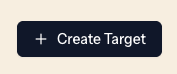
2. Select “Create Target”
Click the Create Target button to begin.
3. Choose “Occupation Target”
You’ll be prompted to select the type of target.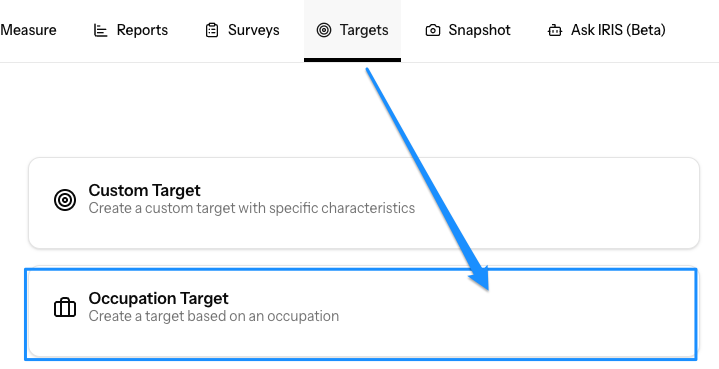
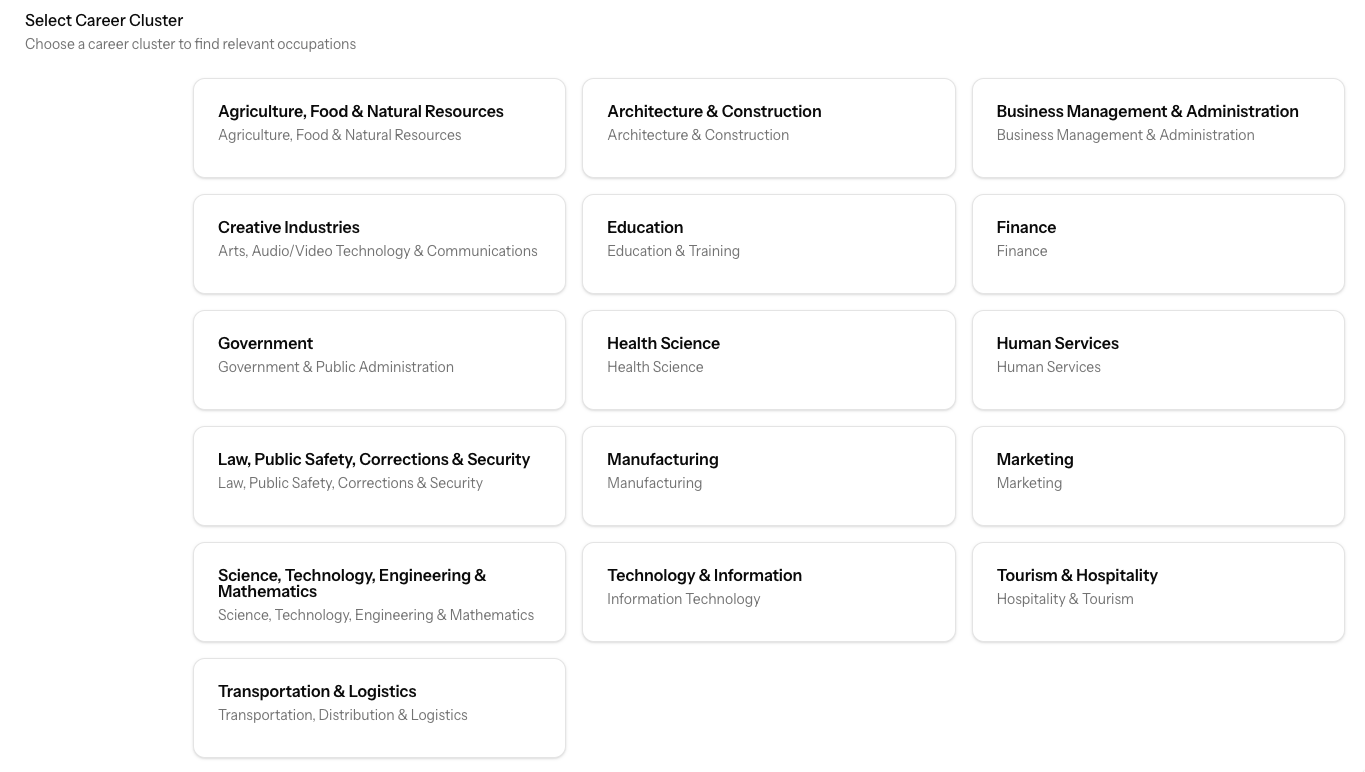
4. Select a Career Cluster
Choose from one of the 16 Career Clusters based on your participant’s goal.
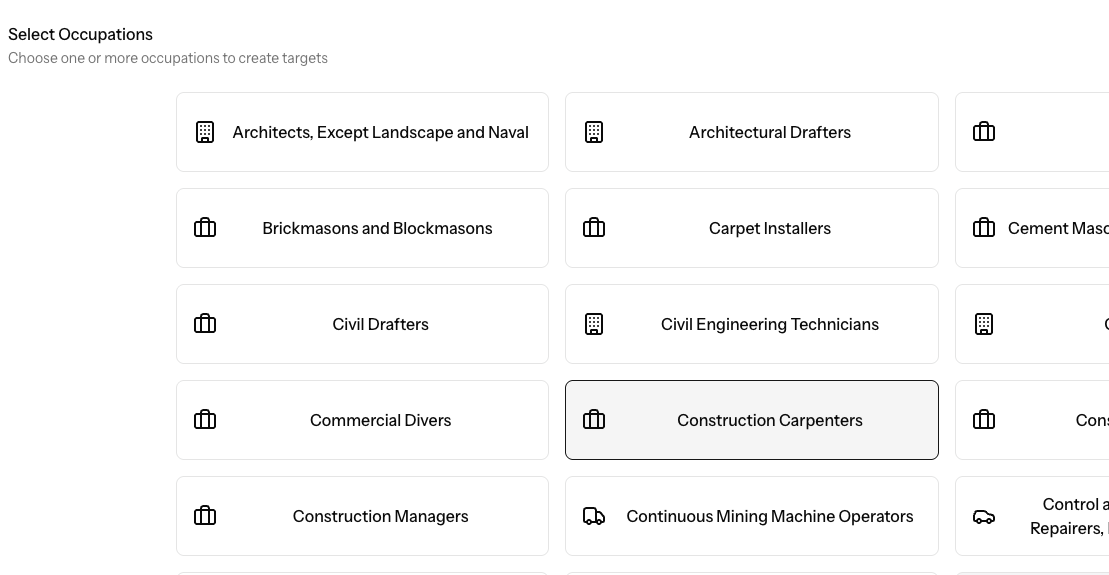
5. Choose the Specific Occupation
Within the selected Career Cluster, choose the specific occupation that best aligns with your participant’s goal.
Example:
- Career Cluster: Architecture and Construction
- Occupation: Construction Carpenters
6. Click “Create Targets”
What Happens Next
Once created:
- The target will be available in your system
- You can use it with participants or groups
- It will surface key attributes that support success in that role
- It can be used to guide coaching conversations, development plans or placement.
Tips for Using Occupational Targets
- Start with the participant’s goal
Choose a target that reflects where they want to grow—not just where they are today. - Use it as a conversation guide
The value isn’t just the target—it’s the discussion it creates. - Focus on a few key areas
You don’t need to cover everything. Identify 2–3 patterns that matter most and build from there.
Need Help?
If you’re not sure which target to choose or how to use it in a session, reach out to our team—we’re happy to help.
Was this article helpful?
That’s Great!
Thank you for your feedback
Sorry! We couldn't be helpful
Thank you for your feedback
Feedback sent
We appreciate your effort and will try to fix the article