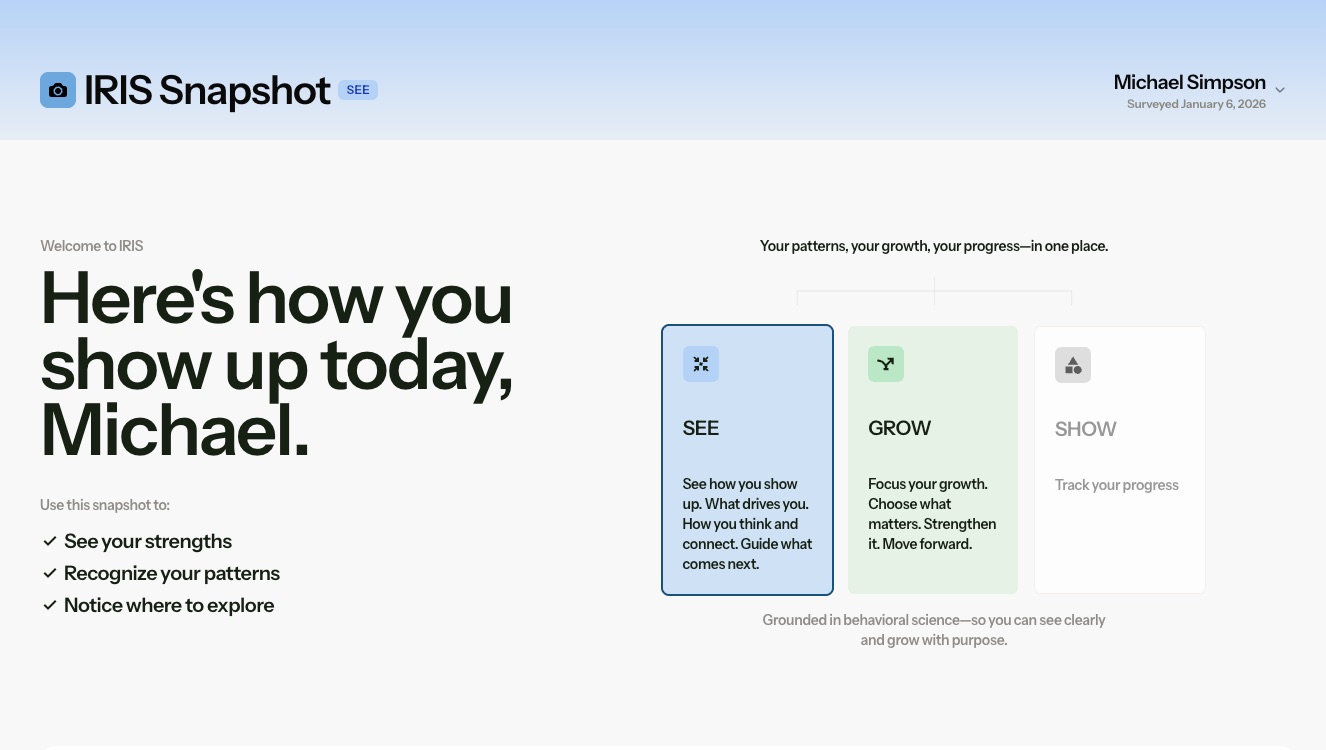
Snapshot SEE gives survey takers a strengths-first view of how they show up, without targets or growth gaps. The original Snapshot dashboard is now called Snapshot GROW. Admins can choose whether survey takers see Snapshot SEE, Snapshot GROW, both, or neither.
Is the original Snapshot going away?
No. The original Snapshot dashboard is now called Snapshot GROW. It remains available.
Why did you create Snapshot SEE?
Customers asked for a first dashboard that felt more strengths-based, accessible, and less focused on gaps or targets.
Which dashboard should survey takers see first?
For most programs, we recommend Snapshot SEE first.
Should everyone get access to Snapshot GROW?
Not necessarily. Snapshot GROW is most useful when participants are engaging in coaching, development planning, target alignment, or facilitated growth conversations.
Can we turn off Snapshot SEE?
Yes. Admins can choose whether Snapshot SEE is available.
Can we turn off Snapshot GROW?
Yes. Admins can choose whether Snapshot GROW is available.
Can we use both?
Yes. Some customers may choose to give survey takers access to both dashboards.
Can we still share only the IRIS Strengths Profile report?
Yes. That option is still available.
What should we tell survey takers?
Tell them Snapshot SEE is designed to help them recognize their strongest patterns and begin reflecting on how they show up.
If you need help deciding what option to provide your survey takers, keep reading:
What kind of experience do you want survey takers to have first?
- If the answer is:“We want them to feel encouraged and curious.”
- Use Snapshot SEE.
“We want them to understand their growth gaps or development priorities.
Use Snapshot GROW.
“We want them to have the full picture.”
Use both SEE and GROW.
“We want coaches to control the interpretation.”
Turn dashboards off and use a facilitated debrief or report.
“We want a simple take-away document.”
Use the IRIS Strengths Profile report.
For most customers we recommend:
- Turning on Snapshot SEE as the first participant-facing dashboard.
- Use Snapshot GROW when the participant is working with a coach, facilitator, manager, or development process where growth priorities and targets will be interpreted thoughtfully.
For coaching programs, use:
- Snapshot SEE before or during the first conversation
- Snapshot GROW after trust and context are established
For hiring or selection-adjacent contexts
Most clients do not share survey results with job applicants, until they are hired.
For sensitive or controlled environments
Keep participant dashboards off and share results through a facilitated debrief or the IRIS Strengths Profile report.
Was this article helpful?
That’s Great!
Thank you for your feedback
Sorry! We couldn't be helpful
Thank you for your feedback
Feedback sent
We appreciate your effort and will try to fix the article