Introduction
The IRIS Survey helps participants see how they show up now and how they’d like to grow. Responses are private, and there are no right or wrong answers—participants are encouraged to trust their first instinct.
This article shows the survey experience step by step, so coaches and admins can understand what participants see and how to guide them.
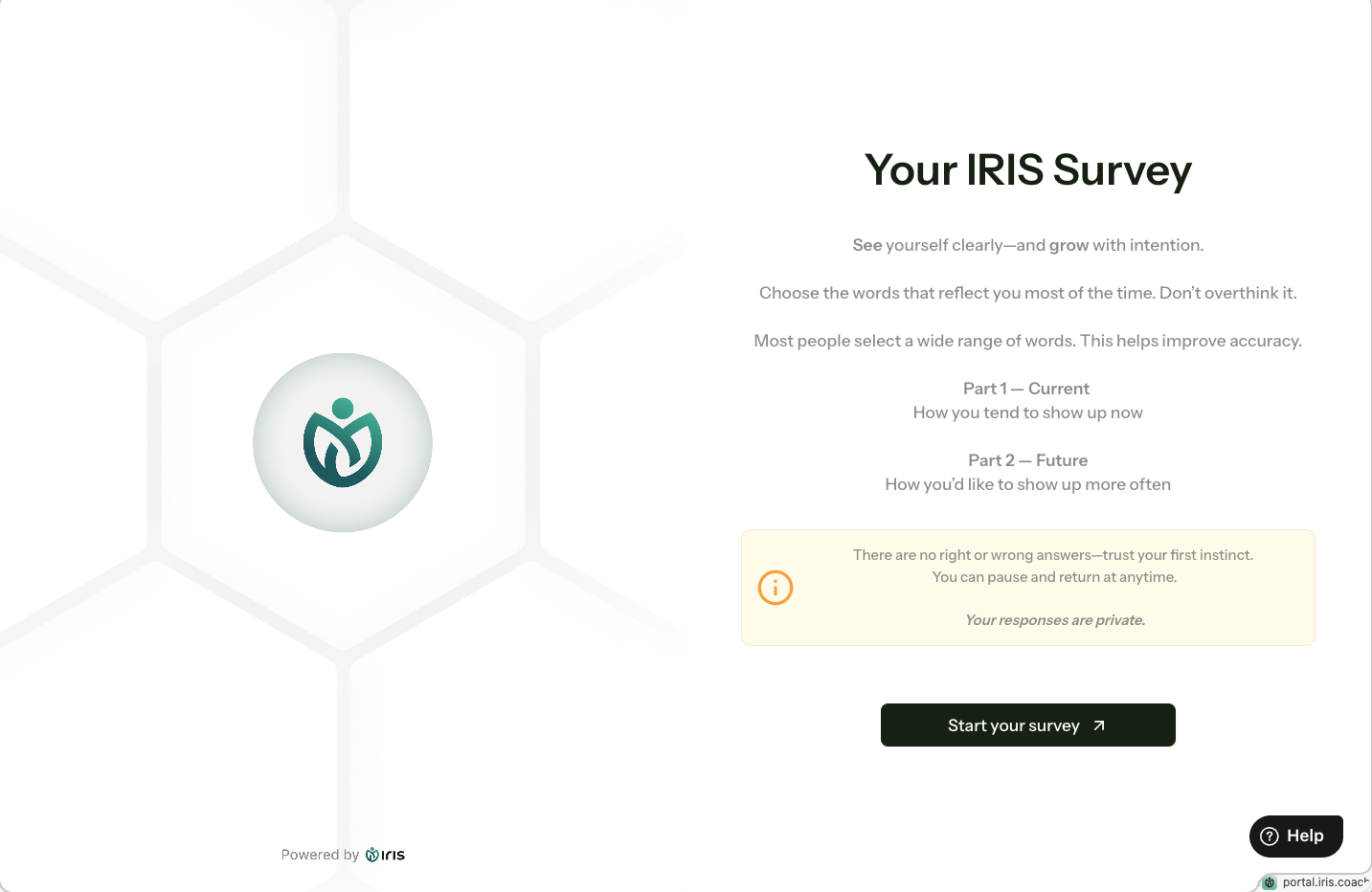
1. Survey Intro / Landing Screen
Headline: Your IRIS Survey
Key microcopy:
- “Choose the words that reflect you most of the time—don’t overthink it.”
- “Part 1 — Current / Part 2 — Future”
- Privacy reassurance: Your responses are private
2. Part 1 — Current
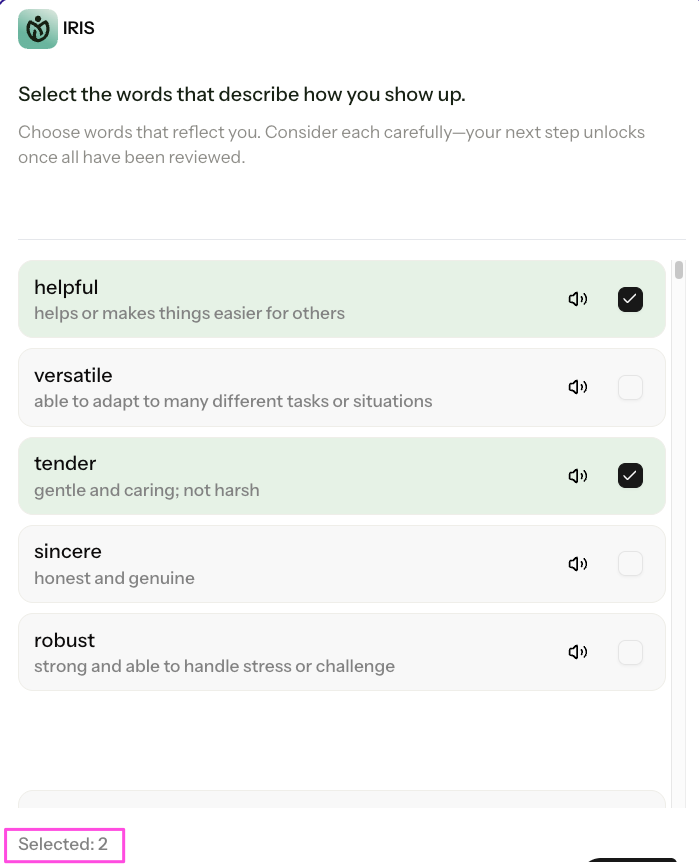
Shows an adjective list for participants to select from
Instructions reinforce:
- “Select the words that fit you most of the time—not just the perfect ones.”
- Eye breaks help reduce fatigue
- Participants focus on describing how they tend to show up now
3. Part 2 — Future
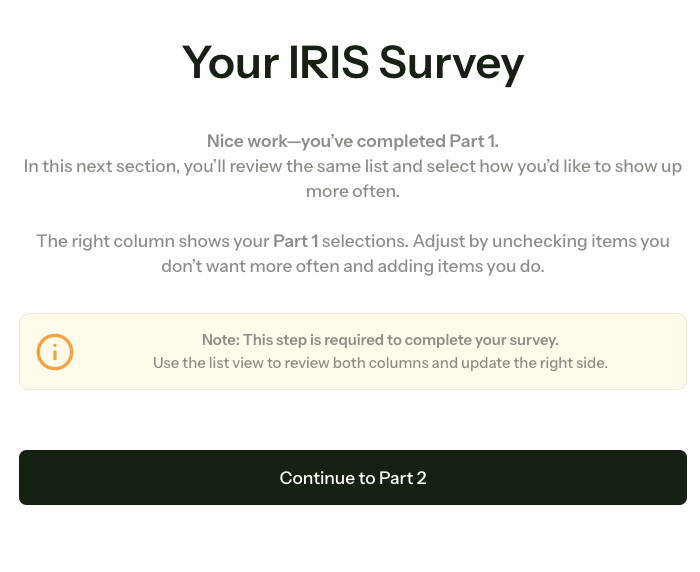
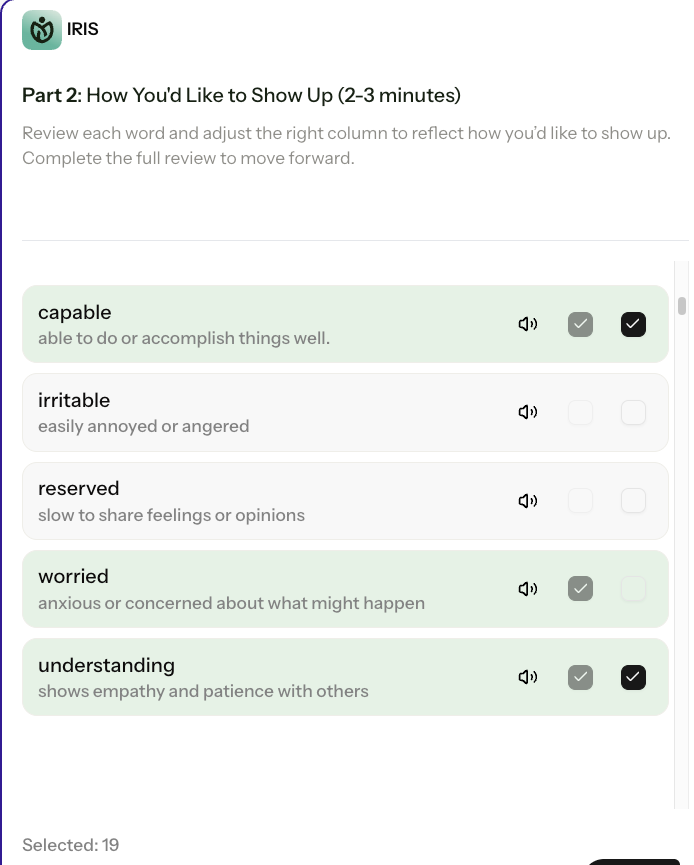
Right column pre-fills words selected in Part 1
Participants can:
- Uncheck words they don’t want more often
- Add words that better reflect how they’d like to show up
Eye breaks are applied here as well
Label emphasizes growth-oriented reflection: Future
4. Navigation / Buttons
Example CTA: Continue to Future
- Ensures participants move smoothly through the survey
- Aligns with Part 2 label for clarity
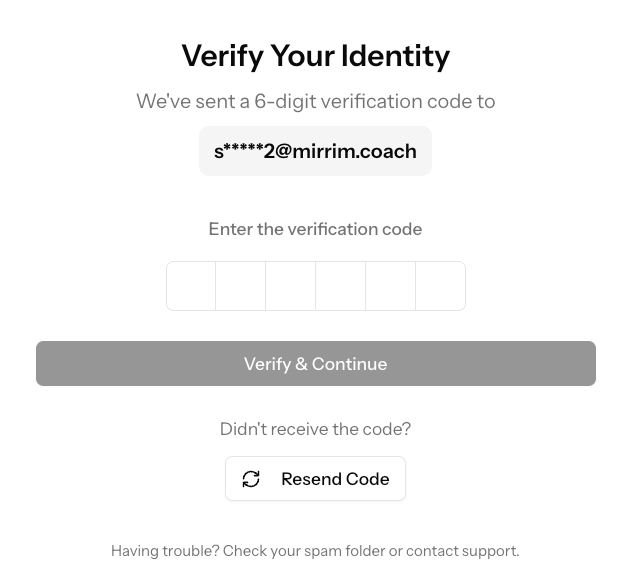
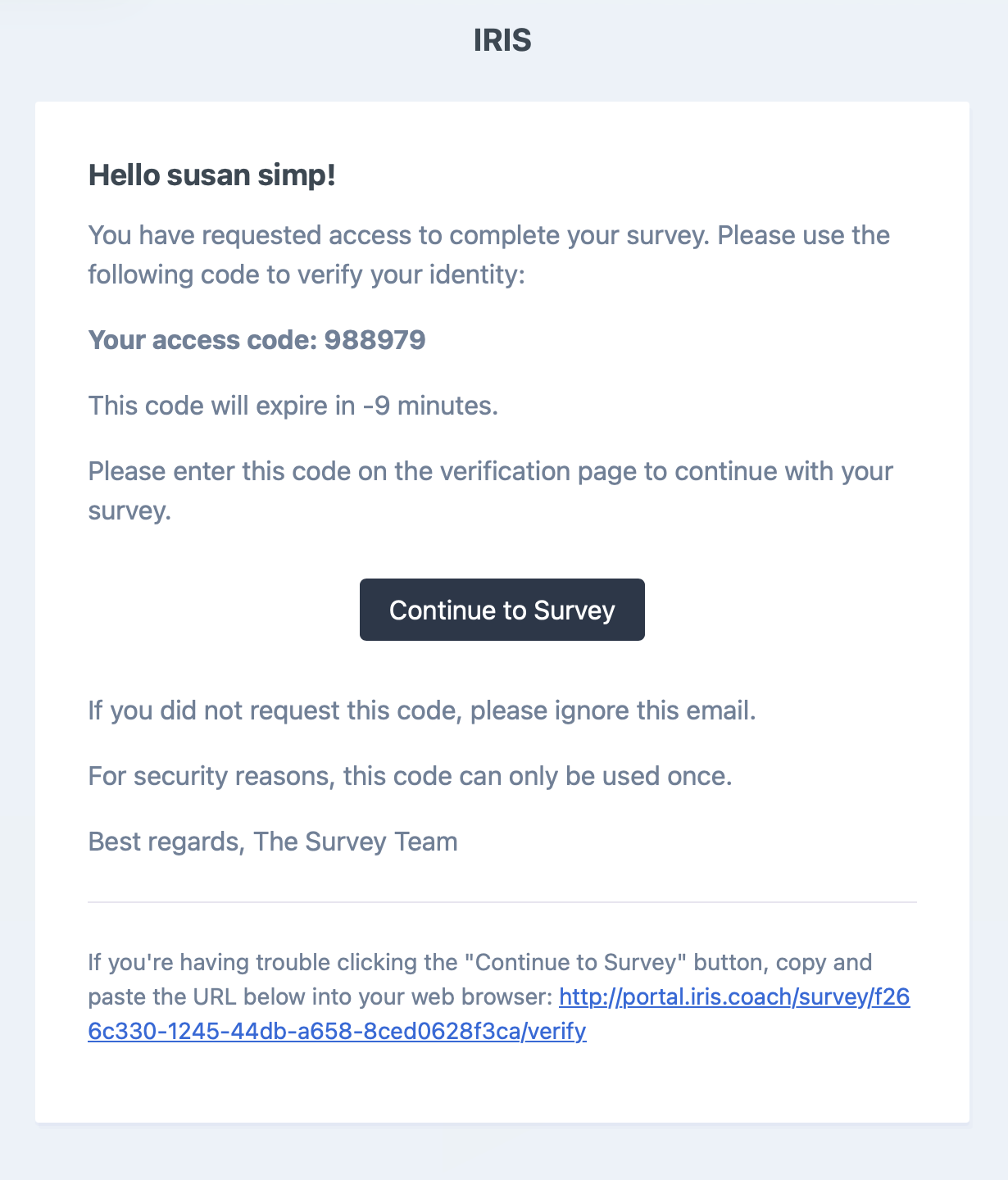
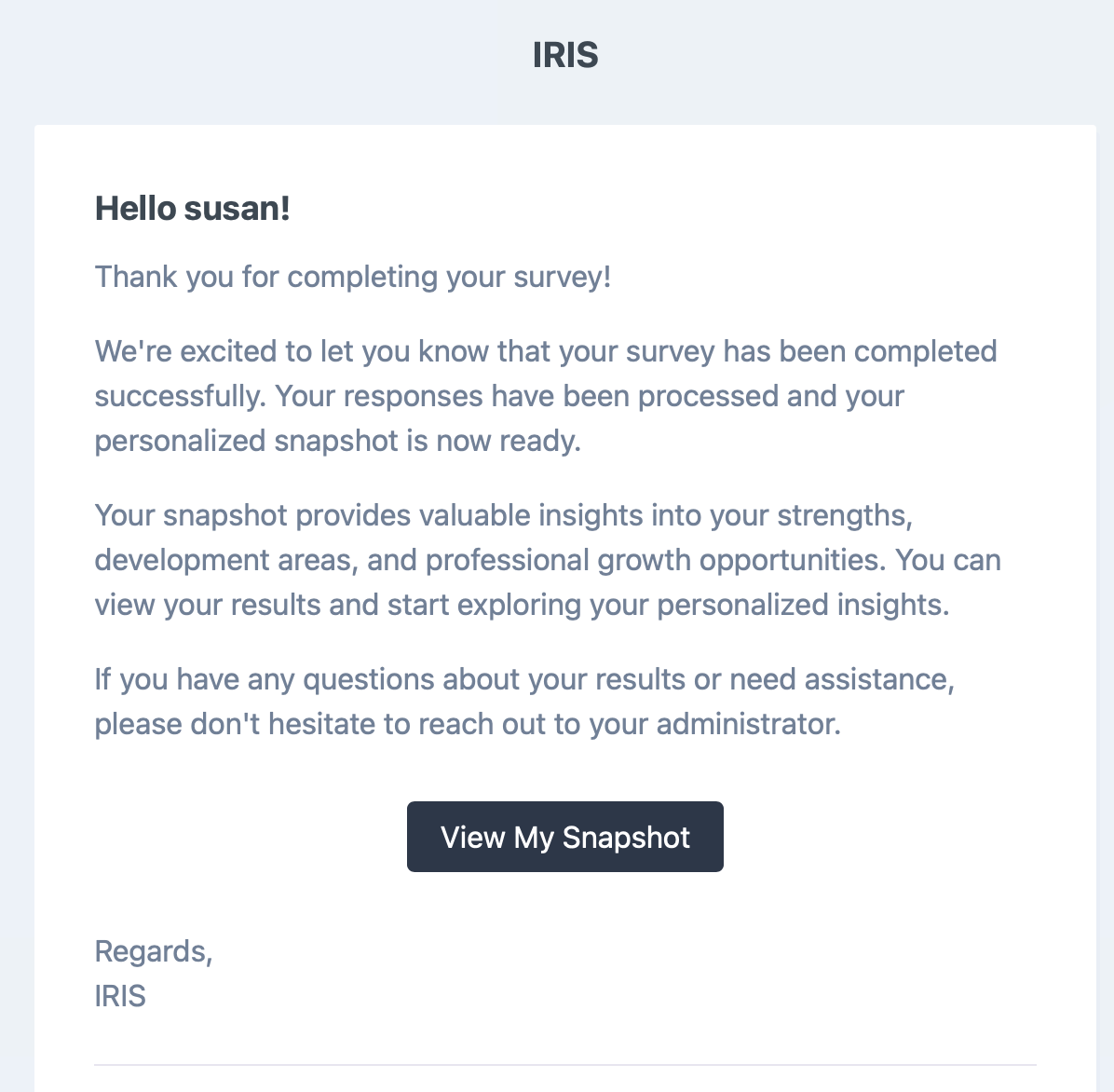
5. Completion / Summary
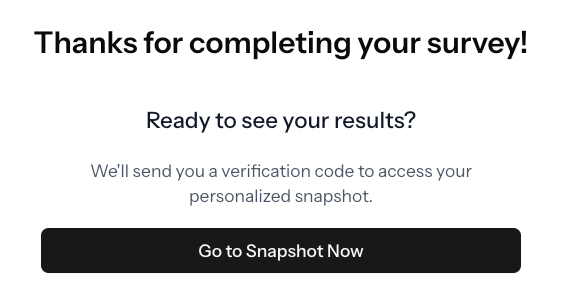
Confirms the survey is complete
Reinforces reflection: Well done—you’ve completed Part 1 / Part 2
Prepares participants for coaching/debrief conversations
Tips for Coaches / Admins
- Participants are guided to reflect, not judged—clarify if questions arise
- Encourage participants to trust first instincts
- Eye breaks reduce visual fatigue and improve experience
Was this article helpful?
That’s Great!
Thank you for your feedback
Sorry! We couldn't be helpful
Thank you for your feedback
Feedback sent
We appreciate your effort and will try to fix the article